
At a Glance
- Conducting Body
- Uttar Pradesh Subordinate Services Selection Commission (UPSSSC)
- Eligibility
- Applicable to all UPSSSC OTR/PET applicants
- Location
- Uttar Pradesh
Quick Summary
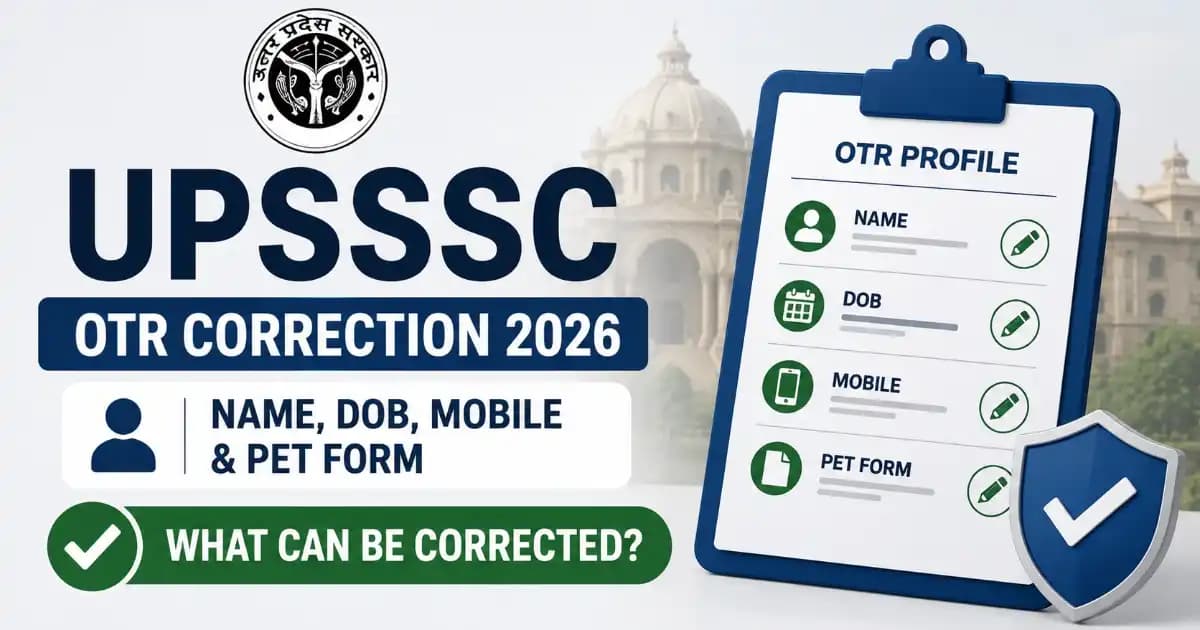
UPSSSC's OTR system locks your Name, DOB, and Mobile Number the moment your registration number generates — and there's no offline appeal. Here's the exact two-tier lock system, every real issue candidates are hitting, and what can and can't be fixed.
UPSSSC's One Time Registration (OTR) system runs on a two-tier lock structure that trips up thousands of candidates every cycle: your Name, Date of Birth, and Mobile Number lock permanently the moment your OTR or PET registration number generates, with no offline appeal route. Everything else — email, category details, qualifications, documents — stays editable only during a specific correction window. Here's exactly what's locked, what isn't, and how to fix the problems candidates are actually running into right now.
| System | UPSSSC One Time Registration (OTR) |
|---|---|
| Conducting Body | Uttar Pradesh Subordinate Services Selection Commission (UPSSSC) |
| OTR Launched | 14 July 2026 (Office Order 45/17/2026) |
| OTR Registration Fee | Free — zero fee, any category |
| PET 2026 Correction Window | 10 August – 8 September 2026 |
| Permanently Locked Fields | Name, Date of Birth, Mobile Number |
| Official Portal | upsssc.gov.in |
Source: UPSSSC Office Order 45/17/2026 and the PET 2026 notification (Advt No. 16-Exam/2026), dated 1 August 2026.
The Two-Tier Lock System — Understand This Before You Touch Anything
Most of the confusion around "OTR correction" comes from candidates not realising there are actually two separate locking events, not one. Fixing the wrong thing at the wrong stage is exactly how candidates end up with a permanently wrong name on their admit card.
| Stage | What Locks | When It Locks | Can You Fix It Later? |
|---|---|---|---|
| OTR Registration | Mobile Number (fresh registrants); Name, DOB & Mobile (PET-2025 migrated candidates) | The moment your OTR number generates | No — never, for these specific fields |
| PET 2026 Application | Name, DOB & Mobile carried over from OTR | The moment your PET-2026 registration number generates | No — locked permanently, no offline route |
| PET 2026 Application (other fields) | Email, category status, qualifications, documents, disability/relaxation details | Editable throughout the correction window | Yes — until 8 September 2026 only |
In plain terms: if your name or date of birth is wrong, it needs to be right before you ever generate an OTR number — not after. Once that number exists, that specific error follows you into every future UPSSSC exam tied to this OTR profile, including this year's PET, admit cards, and score cards.
Fresh Registration vs PET-2025 Migration — Different Starting Locks
UPSSSC gives candidates two ways into OTR, and each one locks a different starting set of fields:
- Fresh OTR registration: Only your Mobile Number locks once the OTR number generates. Name, DOB, and everything else can still be entered correctly at this stage.
- Migrating with your PET-2025 registration number: Name, Date of Birth, and Mobile Number are all locked immediately, pulled directly from your 2025 data. If your 2025 details had an error, that error carries forward — migration does not give you a chance to fix it.
10 Real Issues Candidates Are Hitting — And What Actually Fixes Each One
1. Wrong name spelling entered at OTR stage
The problem: A typo, a missing initial, or a
transliteration mismatch gets entered, and the OTR number generates
before anyone notices.
The fix: There isn't one, once locked. This is why
candidates should type their name character-by-character against their
original Class 10 certificate before clicking submit at the OTR stage —
it is the only checkpoint that matters for this field.
2. Wrong Date of Birth entered
The problem: Day/month swapped, or a digit mistyped,
especially common when candidates type fast on mobile.
The fix: Same as above — permanent once the OTR number
generates. Verify DOB against your Class 10 marksheet specifically, since
that's the document UPSSSC cross-checks against later.
3. Lost access to the registered mobile number
The problem: Since the mobile number locks
permanently and is also the OTP channel for every future login and
correction, losing access to that SIM effectively locks a candidate out
of managing their own profile.
The fix: This has no self-service fix within OTR since
mobile number cannot be edited even during correction windows. Candidates
in this situation need to raise a formal grievance with UPSSSC directly
rather than attempting the standard correction facility, which will not
offer a mobile number field at all.
4. Confusing an OTR-level error with a PET-application-level error
The problem: Candidates open the PET correction facility
looking for a way to fix their name, not realising that field was never
part of the PET application in the first place — it's inherited from OTR
and simply doesn't appear as editable.
The fix: Before attempting any correction, identify which
system actually stores the field: Name/DOB/Mobile live in OTR (and are
locked); everything else — email, category, qualification, documents —
lives in the PET application and is editable during the correction
window.
5. Signature rejected for being in English capital letters
The problem: UPSSSC requires the candidate's name to be
handwritten in Hindi below the signature, not typed or written in English
block letters — a format many candidates get wrong on their first
attempt.
The fix: Re-scan the signature with the name written in
Hindi, in your own handwriting, directly beneath it, then re-upload
during the correction window if the application hasn't been finally
locked yet.
6. Photo or signature file size rejected on upload
The problem: Files outside the prescribed size range
fail silently or throw an upload error.
The fix: Photo must be JPEG/JPG, 50–100 KB, taken within
the last six months. Signature must be JPEG/JPG, 30–50 KB. Compress or
re-scan to fit these exact ranges rather than guessing.
7. Aadhaar mismatch discovered late
The problem: UPSSSC verifies Aadhaar details at a later
stage of the recruitment process, not at OTR entry — so a mismatch
between your OTR profile and your Aadhaar card can go unnoticed until
document verification, by which point Name/DOB are already locked.
The fix: Prevention is the only real fix — check your
OTR entries against your Aadhaar card specifically, not just your Class
10 certificate, before generating your OTR number, since both documents
need to agree.
8. Fee paid but not reflecting in the application
The problem: Payment gateway deducts the amount but the
application still shows fee as pending, usually due to a bank-side
timeout rather than an application error.
The fix: This is exactly what the fee reconciliation
window (open until 8 September 2026) exists for. Do not make a second
payment immediately — wait and check again, or use the reconciliation
window to resolve it.
9. Believing migration lets you correct old 2025 mistakes
The problem: Candidates assume that moving to a new
system (OTR) is itself an opportunity to fix old errors from PET-2025.
The fix: It isn't. Migrating with your PET-2025
registration number imports Name, DOB, and Mobile exactly as they were,
locked immediately. If you need to fix an old error, you must register
fresh instead of migrating.
10. Missing the correction deadline entirely
The problem: Candidates delay checking their submitted
form, assuming they can always go back later.
The fix: There is no fix after 8 September 2026 — no
offline correction route exists at all. Treat the correction window as a
hard, final deadline, not a soft suggestion.
Photo & Signature Specifications at a Glance
| Item | Format | File Size | Other Requirement |
|---|---|---|---|
| Photograph | JPEG/JPG | 50–100 KB | Taken within the last 6 months |
| Signature | JPEG/JPG | 30–50 KB | Name must be handwritten in Hindi below the signature — not in English capital letters |
How to Access the PET 2026 Correction Facility – Step by Step
- Visit the official UPSSSC website at upsssc.gov.in.
- Click on "Modify Submitted Application" on the homepage.
- Log in using your registration details and verify via OTP sent to your registered mobile.
- Download your currently submitted application first, before making any changes.
- Edit only the fields that are actually open for correction — email, category status, qualification, documents, and relaxation details.
- Submit the correction, then download the revised application and compare it against the original to confirm only the intended field changed.
Watch: UPSSSC OTR Correction Explained (Hindi)
For a walkthrough of the correction process in Hindi, this video covers the login and editing steps in practice:
Related Guide
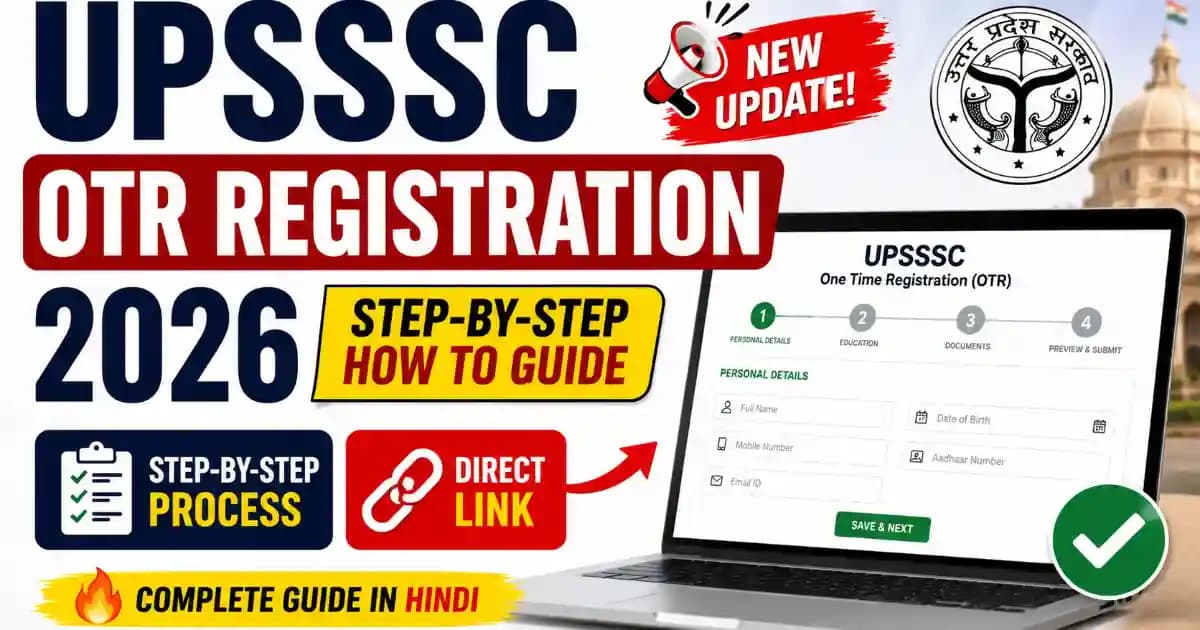
If you haven't completed your OTR registration yet, our complete walkthrough covers the process from scratch: UPSSSC OTR Registration 2026 — Complete Process Guide .
UPSSSC OTR Correction 2026 – Official Links
| Link | Portal |
|---|---|
| OTR Registration / Login | upsssc.gov.in |
| Modify Submitted Application | upsssc.gov.in |
| Official Portal Homepage | upsssc.gov.in |