
At a Glance
- Post Name
- Class 12th Supplementary Examination 2026
- Exam / Result Date
- 28 July 2026
- Conducting Body
- Central Board of Secondary Education (CBSE)
- Eligibility
- Class 12 Pass
Quick Summary
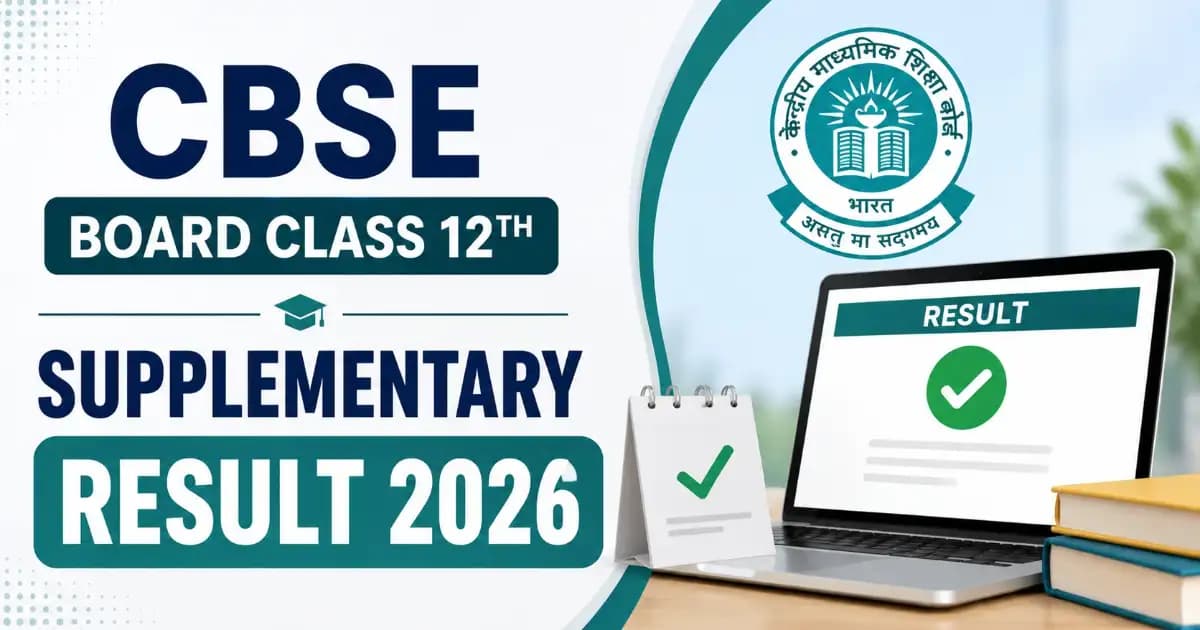
The Central Board of Secondary Education (CBSE) has declared the Class 12th Supplementary Result on 12 August 2026. Students can check their marks via DigiLocker and the official portal.
The CBSE Board Class 12th Supplementary Result 2026 is out — the Central Board of Secondary Education declared the marks on 12 August 2026 for the compartment exams held on 28 July 2026. Students who appeared to improve their scores or clear pending subjects can now check their results and download their digital marksheets directly via DigiLocker or the official CBSE results portal.
| Conducting Body | Central Board of Secondary Education (CBSE) |
|---|---|
| Exam Name | Class 12th Supplementary Examination 2026 |
| Exam Date | 28 July 2026 |
| Result Status | Released (12 August 2026) |
| Portal | results.digilocker.gov.in |
Source: Official CBSE Supplementary Result Notice, CBSE, 12 August 2026. Download PDF
CBSE Board Exams 2026 – Important Dates & Schedule
The timeline for the regular and supplementary board examinations for the 2026 cycle is detailed below. The supplementary result marks the final milestone of the 2026 academic testing phase.
| Event | Date |
|---|---|
| Class 10th & 12th Regular Exam Dates | 17 Feb to 10 Apr 2026 |
| Class 12th Regular Result Declared | 13 May 2026 |
| Class 10th Regular Result Declared | 15 April 2026 |
| Class 12th Re-Evaluation Result | 21 June 2026 |
| Class 10th 2nd Board Exam Result | 18 July 2026 |
| Class 12th Supplementary Exam Date | 28 July 2026 |
| Class 12th Supplementary Result | 12 August 2026 |
All result and marksheet distribution processes are now integrated through DigiLocker.
How to Check CBSE Board Class 12th Supplementary Result 2026
Students can check their compartment/supplementary results through the official results portal or their DigiLocker accounts by following these steps:
- Visit the Portal: Go to the official CBSE result portal at cbseresults.nic.in or the dedicated DigiLocker results page.
- Select Exam Link: Click on the link titled "Senior School Certificate Examination (Class XII) Supplementary Results 2026".
- Enter Details: Input your Roll Number, School Number, and Admit Card ID exactly as printed on your supplementary admit card.
- View Marks: Click "Submit" to view your subject-wise marks and final pass/fail status.
- Download Marksheet: Save a screenshot or PDF of the web result. The original digital marksheet will automatically sync to your activated DigiLocker account.
DigiLocker Account Activation & Digital Marksheet Access
CBSE no longer distributes physical marksheets as the primary source of immediate certification. The authentic digital passing certificate, migration certificate, and marksheet are exclusively provided through DigiLocker. All students must activate their accounts using the Security PIN provided by their respective schools.
Activation Process: First, visit the official CBSE DigiLocker activation link (provided below). Select your class (XII), enter your school code and roll number, and input the 6-digit Security PIN issued by your school authority. Validate your mobile number via OTP. Once the account is confirmed, your updated 2026 Supplementary Marksheet will be instantly available in the "Issued Documents" section, carrying the same legal validity as a printed document for all college admission processes.
CBSE Class 12th Supplementary Result 2026 – Official Links
| Download Supplementary Result | Click Here |
| Download Result Notice | Download PDF |
| Download Class 10th 2nd Board Exam Result 2026 | Click Here |
| Activate Digilocker Account | Activate Now |
| Download Class 12th Re-Evaluation / Verification Result | Click Here |
| Download Class 12th Result (Regular) | Server I |
| Download Class 12th Result (DigiLocker) | Server II |
| Download Class 10th Result (Regular) | Server I |
| Download Class 10th Result (CBSE Portal) | Server II |
| User Manual (How to Create DigiLocker Account) | Download PDF |
| Official Website | Visit Portal |